While you shop.
Photograph the small print on a package. Extract the words, make them larger, or tap Listen to hear them aloud.
Read text from a photoRead small print your way. Photograph a label, menu, or letter, then enlarge the words, listen aloud, or get an AI explanation.
A little AI help. A whole lot of your own pace.
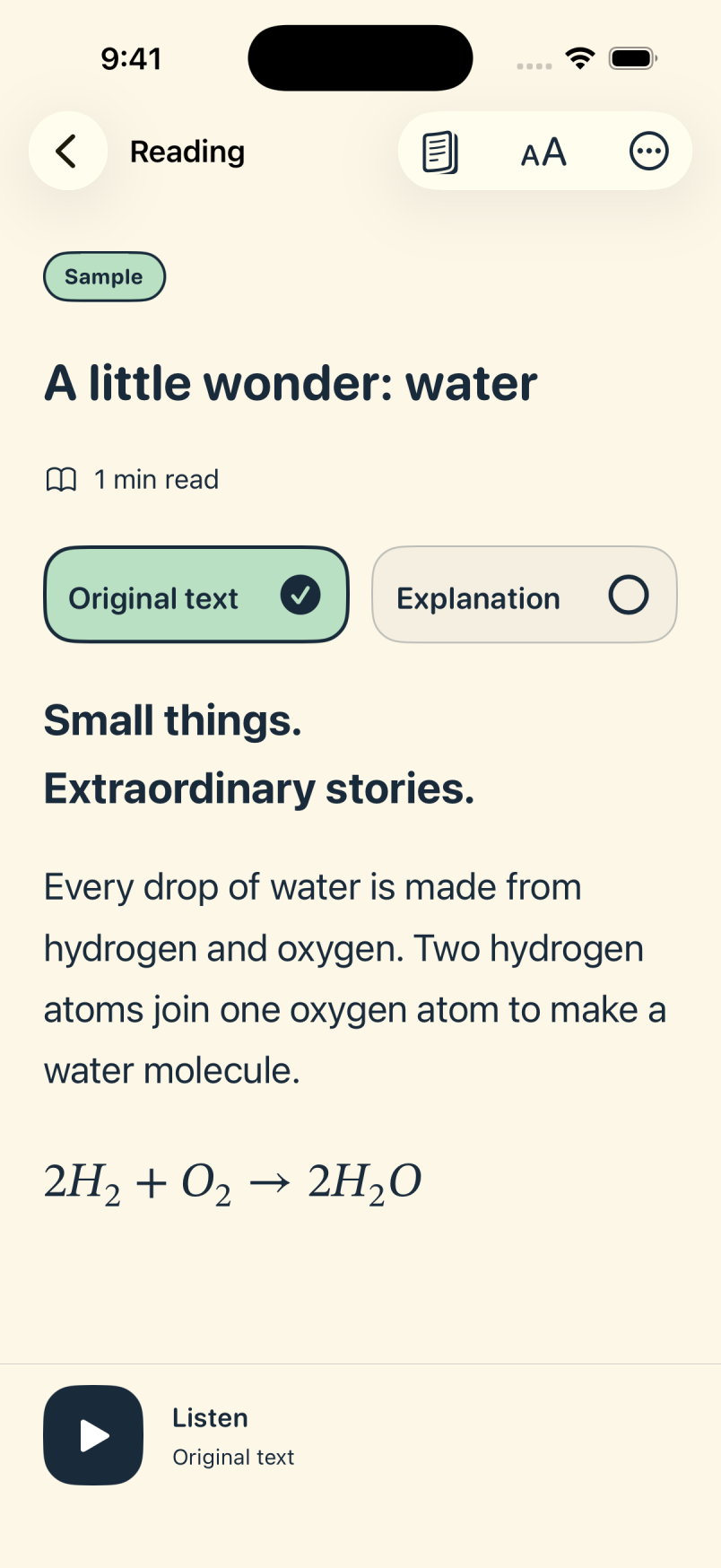
For people with low vision, reading difficulties, or anyone who finds small print hard to read.
Photograph the small print on a package. Extract the words, make them larger, or tap Listen to hear them aloud.
Read text from a photoTurn a clear photo of a menu into text you can read at your own size and pace. Listen while you browse.
Make the text comfortableUnfamiliar wording? Photograph the page and choose Explain it for an AI explanation in simpler language.
Get an AI explanationSwitch between the words and their explanation. Make the text a little bigger. Find what feels right for you.
“Plants convert sunlight into chemical energy through photosynthesis.”
Plants use energy from sunlight to make their own food. That process is called photosynthesis.
A simpler explanation. A little “oh, I get it.”
Real screens from the iPhone app, using our built-in sample.
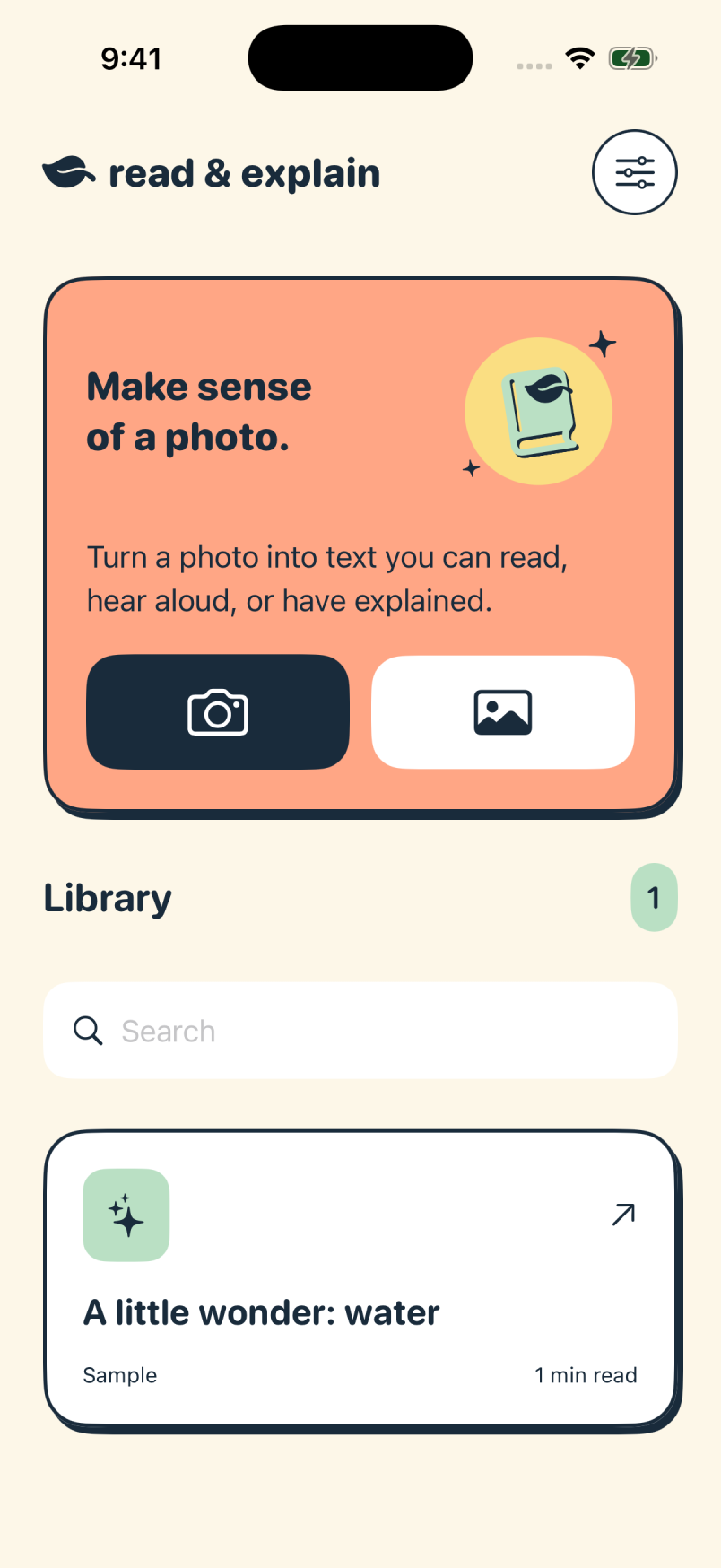
Start with a photo. Keep your readings close.
Clear text, equations, and a space of your own.
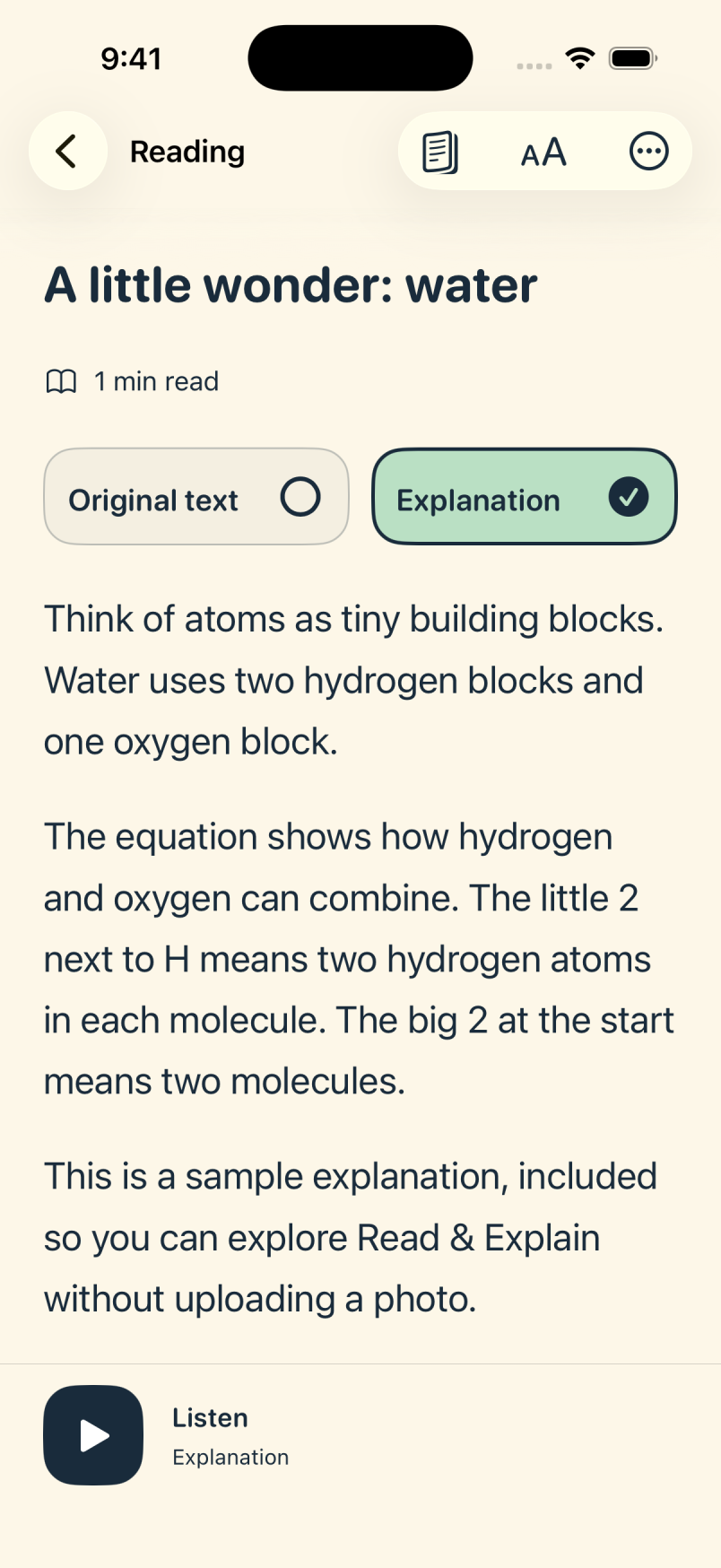
Switch to an explanation when you need one.
Words light up as Apple’s built-in voices read. The page follows along, and you can pause whenever you need.
Press play for a short screen recording. This demo is silent.
The iPhone app reads a sample explanation about water. A yellow highlight moves from word to word as the reading progress bar advances. The page follows the current paragraph. Pause and Stop controls remain at the bottom of the screen.
Bring a photo. We’ll give the words a little breathing room.
Snap a label, menu, letter, or page. You can also choose a photo or screenshot you already have.
Explore photo to textExtract the words, or ask AI for a simpler explanation. You choose the kind of help.
Explore AI explanationsSettle in, listen along, and save it. Come back whenever you’re ready.
Explore Reading ModeSome days you want to read. Some days you’d rather listen.
There’s room for both.
Apple’s built-in voices read aloud while words light up along the way. Set a speed that feels right.
One little word
at a time.
Your text, explanation, and source photo stay together on your device. Find them again, even offline.
Roomier lines. Bigger letters. A darker page. Small choices can make a big difference.
Explore reading & accessibilitySaved readings stay on your device. Your chosen photo goes to our AI service when you tap to process it. Optional Immersive Reader shares the reading with Microsoft. We have signed zero-data-retention agreements with OpenAI and Microsoft for these services.
The plain-English privacy detailsFor the pages you’re curious about.
And the ones you’d like a little help with.
US$39.99/ year
7 days to find your reading rhythm.
Free trial for eligible new subscribers.
One membership for iPhone and iPad.
Includes 100 photo reads or explanations per day, shared across your devices. Resets at midnight UTC.
Coming soon to the App StoreUS annual price. Local prices and trial eligibility are shown by Apple before purchase. After the trial, membership renews annually unless canceled. Cancel at least 24 hours before the trial ends to avoid renewal.
Cancel anytime through Apple. Your saved readings and built-in listening stay available.